Let AI find game bugs before your players do
We use AI agents and analysts to enable your QA team - offering faster, broader test coverage so you can ship on time with confidence.
Made to Automate Game Testing
No integration
With our integrationless solution, QA teams can automate testing independently – no SDKs, no code hooks, and no waiting on engineers – keeping development moving at full speed.
Instruct in plain language
From daily test cycles to complex flows, let AI agents handle routine test cases with intelligent automation – whether you provide step-by-step instructions with expected outcomes or assign open-ended exploratory tasks.
Automatic bug reporting
Our AI analysts detect visual glitches, missing assets, performance issues, and gameplay logic bugs – automatically generating detailed reports with descriptions, visuals, and severity scores.
How it works
Getting started is straightforward: upload a build, define the tasks you want tested, and let AI agents run and analyze each session from start to report.
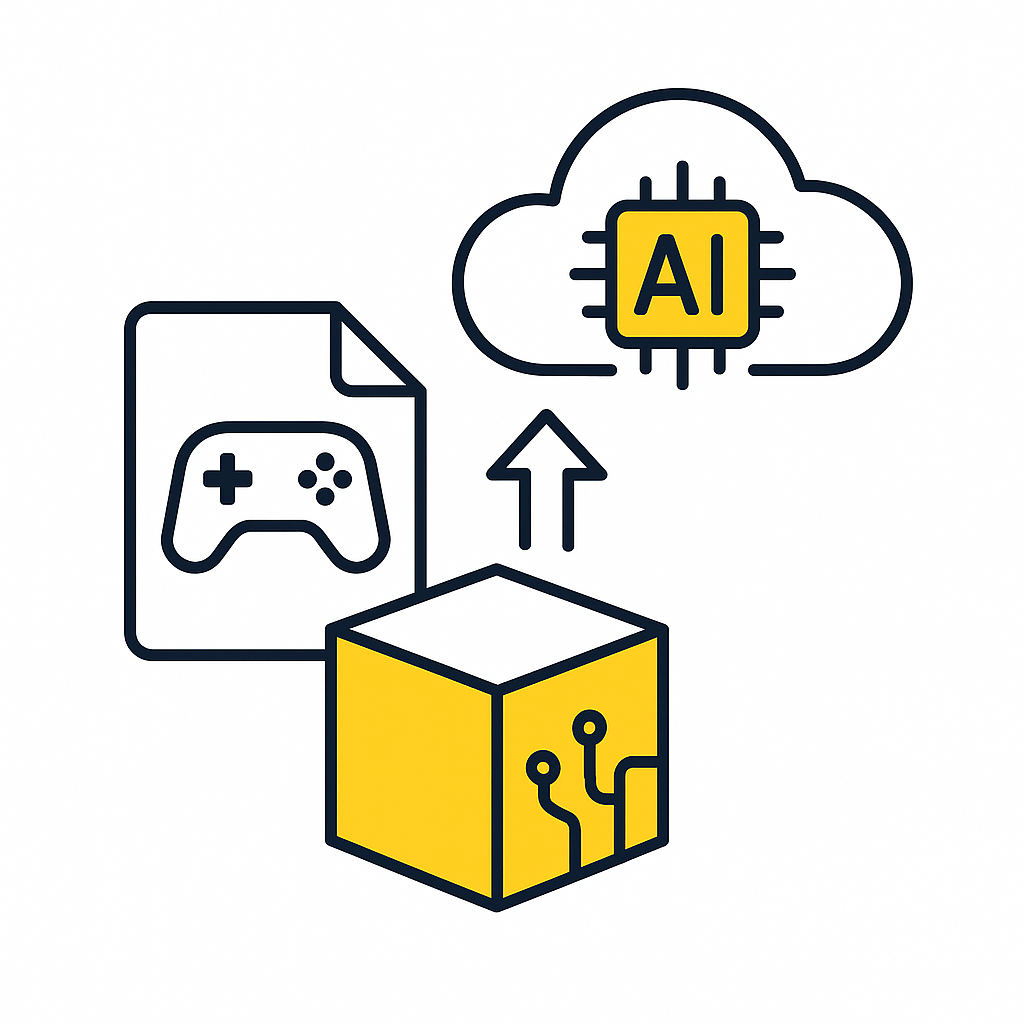
Upload your build. No integration
No SDKs, plugins, or code changes required. Our AI agents test your game externally – analyzing what’s on screen and sending simulated inputs just like a player would. Simply upload your latest build – the system is ready to begin testing immediately.
Tell the AI what to test
Define tests the way you already think: “Complete the tutorial”, “Reach level 5”, or “Open the inventory”. Once tasks are defined, the agents execute each one autonomously and report clear pass or fail results. No scripting, just plain language.
Run automated tests
Start runs directly from the dashboard or trigger them automatically as part of your CI pipeline. As the agents play through tasks, they capture video, logs, and performance data – giving you full visibility into behavior and performance across builds.
Get detailed insights
After each run, our analysts generate detailed, actionable bug reports – highlighting crashes, broken menus, missing assets, softlocks, and performance drops. These insights help your team quickly prioritize fixes and maintain a high-quality experience.
Performance
Placeholder in store
Placeholder asset appears in the Featured section of the store.
Players should see the real item icons.
Video attached
FAQ
Our AI agents use visual models and OCR to understand what’s happening on screen: reading text, UI elements, and game states just like a human tester would. This allows testing across engines and platforms without direct code access.
No integration is required. The system operates as a “black-box” solution, which means it observes and interacts with the game purely through visuals. QA can start testing immediately without involving engineering.
We support testing on Android and desktop platforms today, with iOS support in development. Console and additional PC game workflows are also being expanded.
Our AI currently excels at testing mobile games and titles with structured interactions or clear UI elements such as match, narrative, card or turn-based games. We’re actively expanding support for PC and console games as well. Very fast-paced or timing-critical gameplay isn’t fully supported yet, but it’s an area of active development.
It depends on the game. The agent’s goal is to test, not to win. It focuses on verifying functionality, performance, and logic rather than mastering gameplay. For test cases that require advanced player skill or intuition, human testers remain the best fit.
Yes. Each game benefits from a custom-trained model that helps the AI recognize its unique visuals and UI. This training is handled mostly on our side and uses data from test runs, so your team doesn’t need to prepare or label assets manually. The initial training typically takes less than a few days, and updates to the model are automated as your game evolves.
In addition to visual recognition, the agents use a growing library of “skills” (such as navigating menus, identifying game states, and performing in-game actions) to simulate real player behavior and execute test flows autonomously.
Yes. The agents use large language models to reason about changing conditions and can adapt to non-deterministic gameplay. This allows them to respond intelligently to variation in outcomes, UI states, or player paths.
We identify visual glitches, missing assets, performance drops, and gameplay logic issues. During each test run, we also process any available log files to surface exceptions and errors, and track device or platform performance data. The system then generates detailed bug reports with descriptions, visuals, metrics, and severity scores.
Each report includes a description of the detected issue, evidence (screenshots, videos, logs), tagging, and an AI-generated severity score, which QA can review or adjust as needed.
Yes. Users can submit feedback on agent behavior or analyst results. This feedback helps continuously improve the system’s accuracy and performance.
The system automatically adapts to most game updates and content changes. In some cases, such as major visual overhauls or new gameplay features, we may refresh the game-specific model to maintain accuracy. This process is largely automated and requires minimal input from your team.
Unlike script-based systems, our AI agents interact with the game visually and contextually, much like human testers, reducing setup and maintenance overhead.
Yes. The system can be triggered automatically as part of your CI or build pipeline, allowing tests to run on new builds as soon as they’re available. Results and reports are generated and accessible through the dashboard or can be pushed to your QA tools for review.